· IPTV Anbieter Team · Guide · 26 min read
Bundesliga IPTV 2026/27: Watch Every Match Legally
Bundesliga IPTV 2026/27: Sky holds Friday and Saturday, DAZN the Sunday games. Every broadcast route, real costs and setup — IPTV from €15/month.
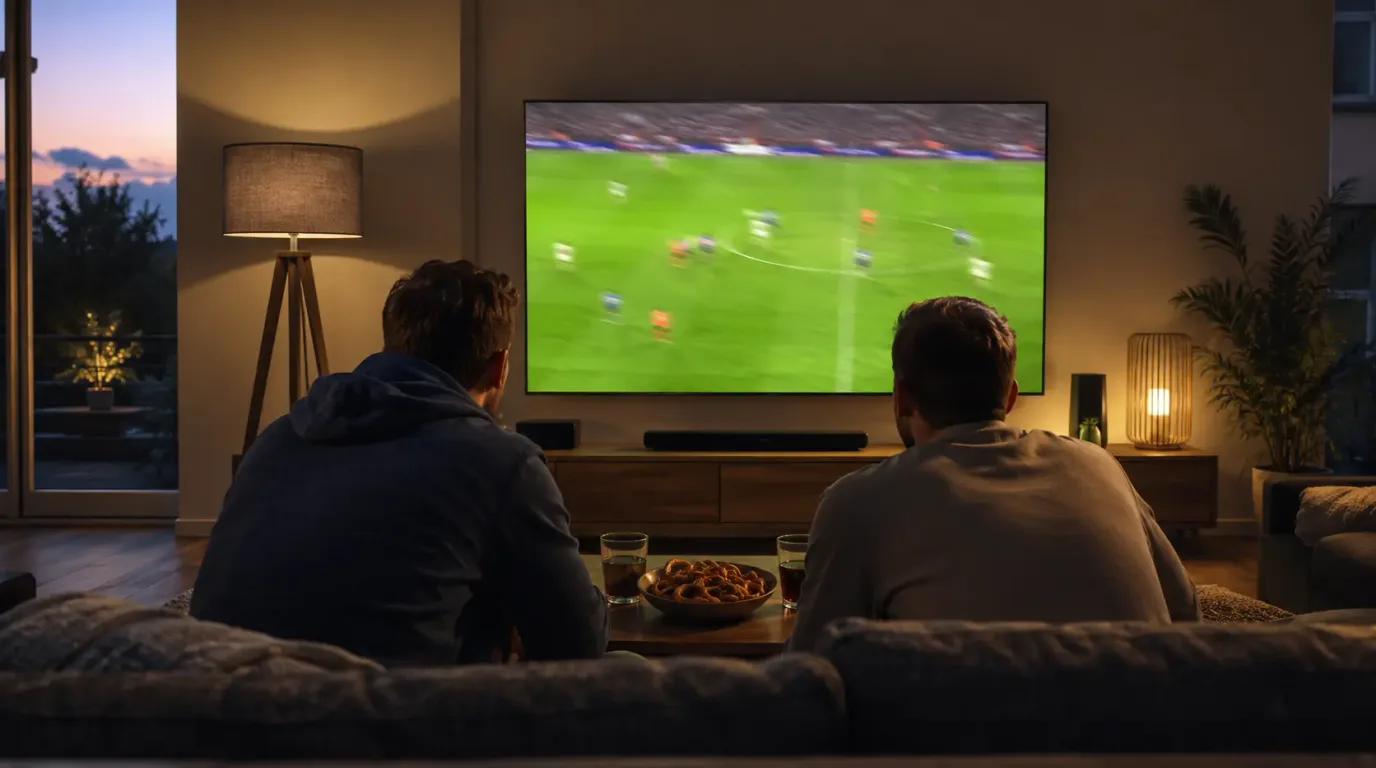
How do you watch the Bundesliga in 2026/27 — and what does an IPTV subscription actually contribute? The short answer: the broadcast rights are locked in through the 2028/29 season. Sky shows the Friday match at 20:30, every Saturday 15:30 single game including multiview, and the Saturday 18:30 top match — together roughly 80 percent of all fixtures, live and exclusive. DAZN carries every Sunday match at 15:30, 17:30 and 19:30, and since the 2025/26 season also the Saturday 15:30 conference. Sat.1 brings the season openers of both Bundesligen, the Franz Beckenbauer Supercup and the relegation play-off to free-to-air television. An IPTV subscription does not replace those licences — it bundles a broad channel line-up from a provider that must have licensed everything it carries.
That distinction gets lost in a lot of marketing, and it is the reason this article is built differently from the usual rankings. You will learn first who broadcasts which match, what the conventional subscription stack really costs per month, and how that figure adds up across a season. After that comes the technical side: how IPTV delivers the broadcast to your living room, how much bandwidth a stable 15:30 stream needs, which devices have proven themselves, and how to check that a provider is legitimate before any money changes hands.
Time is short. The new season kicks off on 28 August 2026 with FC Bayern München against VfB Stuttgart at 20:30, and matchday 1 runs through 30 August. Anyone who tests their setup on matchday itself will spend kick-off staring at a loading bar. That is why preparation pays off now: at IPTV Anbieter Germany you can take a 3-day free trial and check exactly what will matter later — picture quality, zapping speed and stability at prime time. Everything here reflects the state of August 2026.
Quick Summary / TL;DR
- Rights locked in through 2028/29: Sky has Friday 20:30, every Saturday 15:30 single match plus multiview, and the 18:30 top match — roughly 80 percent of all fixtures live and exclusive. DAZN holds every Sunday match (15:30, 17:30, 19:30) and the Saturday conference.
- Free-to-air stays the exception: Sat.1 broadcasts the season openers of the Bundesliga and 2. Bundesliga, the Franz Beckenbauer Supercup and the relegation play-off at no extra cost.
- Season start 28 August 2026: the opener is FC Bayern München against VfB Stuttgart at 20:30, matchday 1 runs from 28 to 30 August, and the season ends on 22 May 2027. The 2. Bundesliga starts as early as 7 August 2026.
- The honest cost comparison: to see all 306 fixtures you conventionally need two subscriptions in parallel — roughly 60 to 65 euros a month combined. An all-in-one IPTV package costs €15/month but covers a different scope and replaces no sports licence.
- Technology decides on matchday: at least 10 Mbit/s stable for Full HD, 25 Mbit/s for 4K UHD, LAN instead of Wi-Fi on the Fire TV Stick — and a dress rehearsal at prime time before the ball rolls.
Try IPTV Anbieter before paying anything.
Table of Contents
- What Bundesliga IPTV Means in 2026/27
- Who Broadcasts the Bundesliga in 2026/27?
- Bundesliga on Sky and DAZN: The Cost Calculation
- Bundesliga via IPTV: How It Works Technically
- The Legal Situation: Streaming the Bundesliga Legally
- Technical Requirements: Bandwidth, Devices and 4K
- Setup Before the Season Opener on 28 August
- Troubleshooting: Stutter and Dropouts During a Live Match
- Pros and Cons of Watching the Bundesliga via IPTV
- Frequently Asked Questions about IPTV and the Bundesliga
- Conclusion: Preparing Properly for the 2026/27 Season
What Bundesliga IPTV Means in 2026/27
“Bundesliga IPTV” does not describe a rights holder but a delivery route: television arrives as a data stream over your ordinary internet connection instead of via satellite, cable or aerial. Anyone watching the Bundesliga over IPTV receives the same pictures a satellite customer does — just over a different line and through an app instead of a receiver.
This distinction is the single most important idea in the whole article. A delivery route grants no rights. Whether you may watch a particular match is decided solely by the licences held by the service you subscribe to. That is exactly why Deutsche Telekom’s MagentaTV works technically like IPTV yet sells no Bundesliga single matches: the rights sit elsewhere. Conversely, Sky has long since stopped delivering its channels by satellite alone and streams them over the internet as well — technically IPTV too.
In practice that means three things. First, if you want to watch football over IPTV you have to vet the provider, not the technology. Second, a reputable all-in-one IPTV package sells you a broad channel line-up — German free-to-air channels such as Das Erste, ZDF, RTL, Sat.1, ProSieben, VOX and Kabel Eins, international programming, themed channels and a VOD library. Which sports channels are included is a question of that provider’s licences and belongs on the table before you order. Third, no reputable service can throw in premium rights for a fraction of the market price — where that is claimed, scepticism is the correct response.
Why 2026/27 Is a Good Season to Switch
The calendar hands you a natural window. The 2. Bundesliga opens the football season on 7 August 2026, the Bundesliga follows on 28 August 2026. Between those dates lie three weeks in which hardware, app and network can be set up calmly and tested under realistic conditions. Improvise on matchday instead, and you will spend the first half hunting for faults.
There is a contract angle too: many sports subscriptions expire at the end of a season or renew automatically over the summer. If you are considering a switch anyway, this is the moment when notice periods are clearly in view — and you can run a trial in parallel without missing a single match. Which services are even on the table, and how prices, channel counts and contract terms differ, is laid out in our big provider comparison for 2026.
Get trial access on WhatsApp within minutes.
Who Broadcasts the Bundesliga in 2026/27?
Three houses share the German Bundesliga rights for the 2026/27 season: Sky, DAZN and — for selected individual events — Sat.1. The split is unchanged through the 2028/29 season and follows the clock, not the club: who sees which match depends solely on the kick-off time.
Sky holds by far the largest share. It broadcasts the Friday match at 20:30, all Saturday 15:30 single games including the multiview presentation of several matches side by side, and the Saturday 18:30 top match. In total that is roughly 80 percent of all Bundesliga fixtures, live and exclusive. DAZN in turn holds the complete Sunday — kick-off times 15:30, 17:30 and 19:30 — and since the 2025/26 season additionally carries the Saturday 15:30 conference, the edited whip-around across all simultaneous matches.
One narrow but attractive segment stays free to air: Sat.1 shows the season openers of the Bundesliga and the 2. Bundesliga, the Franz Beckenbauer Supercup and the relegation play-off. In concrete terms, that means you can watch the opener between FC Bayern München and VfB Stuttgart on 28 August 2026 without any paid subscription at all — Sat.1 is part of the standard line-up of practically every TV package and every aerial.
The full overview by kick-off slot:
| Matchday slot | Kick-off | Rights holder 2026/27 | How to watch it |
|---|---|---|---|
| Season opener (28 August 2026) | 20:30 | Sat.1 | free to air |
| Friday match | 20:30 | Sky | Sky Sport or its streaming brand WOW |
| Saturday, single matches | 15:30 | Sky | Sky Sport, including multiview |
| Saturday, conference | 15:30 | DAZN | DAZN channels or the DAZN app |
| Saturday, top match | 18:30 | Sky | Sky Sport or WOW |
| Sunday, early match | 15:30 | DAZN | DAZN |
| Sunday, afternoon match | 17:30 | DAZN | DAZN |
| Sunday, evening match | 19:30 | DAZN | DAZN |
| Franz Beckenbauer Supercup | before the season | Sat.1 | free to air |
| Relegation play-off | after matchday 34 | Sat.1 | free to air |
| 2. Bundesliga, opening match | 7 August 2026 | Sat.1 | free to air |
Summaries and highlights traditionally run on free-to-air television, for instance in the ARD’s Saturday-evening Sportschau — those short-form rights are awarded separately and replace no live match. If you want the fixture list with all dates and kick-off times from the source, it is on the official Bundesliga calendar for the 2026/27 season; the current rights split is documented in kicker’s broadcasting-rights overview.
What the Split Means Day to Day
For fans of a specific club the shared model is awkward, because kick-off times rotate across the season. A club plays on Friday one week, Saturday at 15:30 the next, Sunday at 19:30 after that — so with only one of the two paid subscriptions you will predictably miss several of your team’s matches per season. Anyone who wants all 34 fixtures of one club needs both routes, or has to settle for the conference and the highlights.
The Saturday conference occupies a special place here: it shows the goals and key moments of every 15:30 match in a single feed, but it replaces no full-length individual match. For viewers who care more about an overview of the matchday than 90 minutes with one club, it can be the cheaper choice. For everyone else it stays a compromise.
Bundesliga on Sky and DAZN: The Cost Calculation
Complete Bundesliga coverage in 2026/27 costs two subscriptions at the same time. A sports package covering the Sky matches on Friday and Saturday lands at around 30 euros a month depending on plan and term, while the DAZN route for Sunday sits just under 35 euros. Together that is roughly 60 to 65 euros a month — with the Sat.1 free-to-air events on top at no charge.
That number stays abstract until you extend it across a season. Twelve months of a double subscription land in the region of 720 to 780 euros per year. Even booking only for the playing season from August to May comes to around 600 euros — assuming the contracts can be cancelled monthly at all. In practice the cheapest sports plans tie you in for twelve months, so you pay through the summer break as well.
An honest comparison of the routes:
| Route | What it gets you | Cost per month |
|---|---|---|
| Free-to-air only (Sat.1) | season openers, Supercup, relegation play-off — plus free-to-air highlights | 0 euros |
| Sky access only | Friday 20:30, all Saturday 15:30 singles + multiview, 18:30 top match | around 30 euros |
| DAZN only | every Sunday match (15:30/17:30/19:30) plus the Saturday conference | just under 35 euros |
| Sky + DAZN (complete) | all 306 season fixtures live, plus conference and multiview | roughly 60 to 65 euros |
| Sky + DAZN + free-to-air | additionally the openers, Supercup and relegation at no extra cost | roughly 60 to 65 euros |
| All-in-one IPTV (IPTV Anbieter) | broad channel line-up with free-to-air, international channels and VOD | €15/month |
A note on how to read that last row, because it is often misunderstood: an all-in-one IPTV package is not a cheaper version of a Sky or DAZN subscription. It is a different product — a broad, bundled channel line-up with German and international programming, themed channels and a media library, delivered through an app instead of a receiver. Which sports channels are included is a question of the individual provider’s licences and has to be settled before you order. That is precisely what the trial is for.
At IPTV Anbieter the subscription costs €15/month, €35/3 months, €45/6 months or €65/year — every option, with its scope, is listed on the pricing page. Before that you can take a 3-day free trial: you receive your login details via WhatsApp, see the full channel list and check at your own pace whether picture quality and stability meet your standards — comfortably before 28 August.
Where the Stack Genuinely Pays Off
Some households are right to buy two sports subscriptions. If you want every match of your club in full length, if you value the multiview presentation, and if you appreciate the commentary and analysis of a particular broadcaster, you will find that nowhere cheaper. The price is not an annoyance then; it is the market rate for exclusive rights.
The picture changes for households whose television diet is broader than football: news, series, documentaries, children’s programming, international channels for family members, and sport now and then. Here the subscription stack produces a situation where three or four services run side by side and the monthly total goes into three figures. For that profile a bundled package is the economical answer, and that is exactly where an all-in-one IPTV package is strong — not on exclusive rights, but on breadth.
We set up IPTV together with you — free via WhatsApp.
Bundesliga via IPTV: How It Works Technically
An IPTV stream reaches your television in three steps: the provider encodes the signal in H.264 or H.265/HEVC, distributes it as HLS segments across its server network, and a player app on your device pulls those segments via an M3U playlist or the Xtream Codes API and reassembles them into a continuous picture. Latency and picture quality are decided at each of those three points.
The first point is the codec. A football match is the hard case for compression: fast pans, grass texture, stands filled with thousands of details. Where a news studio gets by on a few Mbit/s, a 15:30 match needs noticeably more data rate for the same subjective picture. H.265/HEVC delivers roughly 40 percent smaller files than H.264 at equal quality — which is why you should always enable the hardware decoder in your player if the device supports it.
The second point is the provider’s server network. At 15:30 on a Saturday every customer hits the same handful of channels simultaneously — the hardest load peak of the week. Reputable services run multiple servers for this and reassign one if problems appear. That is exactly the aspect you can examine during a three-day trial, provided you deliberately schedule the test for a weekend or an evening rather than a quiet Tuesday morning.
The third point is the player app. It determines zapping times, buffering behavior and how quickly you find the channel you want at all. IPTV Smarters Pro is the beginner-friendly standard with an Xtream login, an XMLTV EPG and a VOD library; TiviMate is considered the faster tool for pure live television on Android TV, Google TV and the Fire TV Stick. OTT Navigator offers the deepest customization, Smart IPTV and IBO Player run natively on Samsung Tizen and LG webOS, and VLC is ideal on a PC for quickly testing an M3U URL.
Latency: Why the Neighbors Cheer First
One effect regularly surprises IPTV newcomers: the stream runs a few seconds behind the satellite broadcast. The cause is segmentation — HLS chops the signal into chunks of typically two to six seconds, and the player buffers several of them to absorb dropouts. Together with encoding time, that adds up to an offset which, depending on the chain, ranges from a few seconds to half a minute.
Day to day you notice this socially above all: the cheer from the neighboring apartment, or the push notification on your phone, arrives before the goal appears on your screen. Two countermeasures help. First, reduce the buffer size in the player settings if your line is stable enough — it costs robustness but saves seconds. Second, mute live-ticker notifications for the duration of the match. Anyone betting or running a fantasy team alongside should factor the offset in.
The Legal Situation: Streaming the Bundesliga Legally
IPTV is legal in Germany — as a delivery route. What matters is copyright law: the service you subscribe to must have licensed the content it transmits. Pay a licensed provider and you are on safe ground. Buy premium sport for a few euros “for life” and you clearly are not — and you carry the risk.
That line is drawn clearly by now. Television over an internet connection is an established distribution model: MagentaTV from Deutsche Telekom, waipu.tv, Zattoo and Vodafone GigaTV all work on the same principle technically. The Bundesnetzagentur, Germany’s federal network agency, supervises network and consumer matters, while copyright law governs who may distribute which content. For you as a viewer this means: the delivery route is legally neutral, your choice of provider is not. The legal foundations and the full context are covered in our IPTV Germany Guide 2026.
A reputable provider can be checked in minutes. These six points have proven themselves as a checklist:
- A complete legal notice and reachable company details — not an anonymous landing page without an address.
- Fixed, plausible prices instead of “lifetime” promises. Access that costs a few euros once and is supposed to run forever cannot cover ongoing licence fees.
- A clear channel list before you order. Anyone who will not tell you in writing which channels are included is selling a mystery box.
- Real support with a verifiable response time — WhatsApp, email or a ticket system, not just an anonymous Telegram channel.
- Standard payment methods and comprehensible terms. Cryptocurrency as the only option is a warning sign.
- A trial period without forced prepayment. A provider that lets you test before paying has nothing to hide.
Two European rules affect your football evening directly. The GDPR limits which data a service may collect at sign-up — the leaner the questionnaire, the better. And EU portability under the Portability Regulation (EU) 2017/1128 ensures that a subscription paid for in Germany keeps working elsewhere in the EU: take a September holiday in Italy and the matchday runs on hotel Wi-Fi exactly as it does at home — no VPN needed. Further legal detail questions are answered on our FAQ page.
Our team usually replies within a few minutes.
Technical Requirements: Bandwidth, Devices and 4K
For a stable Bundesliga stream you need at least 10 Mbit/s arriving continuously at the streaming device for Full HD, and at least 25 Mbit/s for 4K UHD. What counts is not your plan’s headline figure but what actually arrives at 15:30 — measured on the device that plays the stream, not on your phone.
Football, as noted, is demanding content. A pitch with fast pans, patterned grass and full stands forces the encoder into far higher data rates than a static studio shot. So plan for headroom: sitting just above the minimum is what produces block artifacts exactly when things get exciting. Two parallel streams in the household — top match in the living room, conference in the kitchen — double the requirement accordingly.
| Requirement | Full HD (1080p) | 4K UHD (2160p) |
|---|---|---|
| Recommended bandwidth | from 10 Mbit/s stable | from 25 Mbit/s stable |
| Codec | H.264 or H.265/HEVC | H.265/HEVC, often with HDR10 |
| Network connection | 5 GHz Wi-Fi is sufficient | LAN adapter strongly recommended |
| Typical device | Fire TV Stick, Android TV | Fire TV Stick 4K Max, Nvidia Shield, Apple TV 4K |
| Second device parallel | add 10 Mbit/s | add 25 Mbit/s |
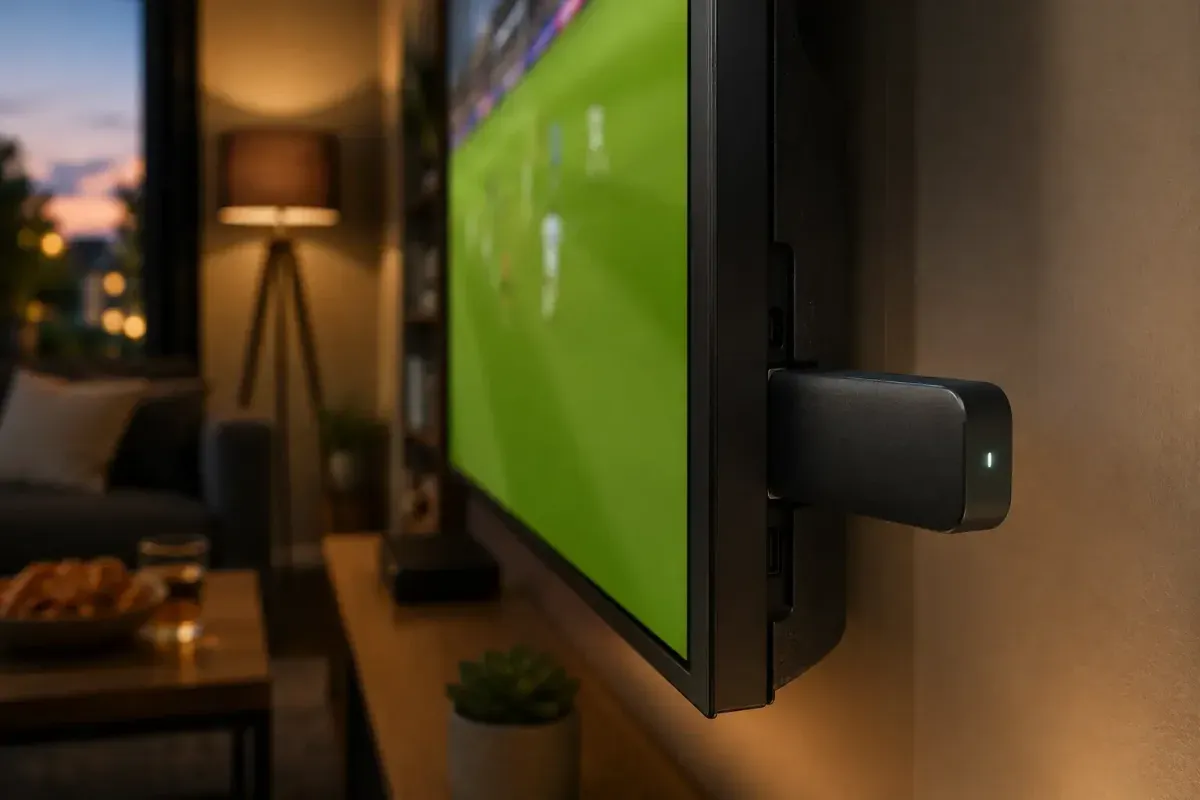
A clear hardware ranking has emerged. The Fire TV Stick is Germany’s most-used IPTV device: cheap, small, usable anywhere — although the entry-level models reach their limits with 4K and parallel streams. Which model makes sense for which purpose is settled in our Fire TV Stick walkthrough, including setup step by step. Android TV and Google TV in televisions from Sony or Philips bring the same app selection without an extra box. The Nvidia Shield remains the most stable choice for 4K and multi-screen, the Apple TV 4K the most elegant for Apple households. On Samsung Tizen and LG webOS, native players such as Smart IPTV and IBO Player run directly on the television, and the Chromecast with Google TV works well as a second device in the bedroom.
One word on the network, because this is where most problems originate: a LAN adapter for the Fire TV Stick costs little and eliminates more stutter than any tariff upgrade. Where cabling is impossible, the streaming device belongs in the 5 GHz band rather than the crowded 2.4 GHz network, where half the neighborhood competes on a Saturday afternoon. What the IPTV Anbieter package contains in terms of content and features is listed in detail on the services overview.
Setup Before the Season Opener on 28 August
Setup takes about 20 minutes and should be finished at the latest a week before matchday 1. Six steps: request the trial and check the channel list, install a player, enter your login details via Xtream Codes, sort your sports channels into favorites, optimize network and decoder, run a prime-time dress rehearsal.
1. Request the trial and check the channel list. Start by requesting the free 3-day access via WhatsApp and asking for the complete channel list. Check it before you think about a plan, not the other way round. That is the only way to know which sports channels the package actually contains.
2. Install a player. On the Fire TV Stick the route runs through the free Downloader app, because Amazon’s appstore does not list the common IPTV players. On Android TV and Google TV the Play Store or an APK from the developer’s website is enough; on Samsung and LG televisions you reach for Smart IPTV or IBO Player from the respective store.
3. Enter your login details. Choose “Login with Xtream Codes API” and enter the server URL, username and password exactly as they appear in your WhatsApp message. The Xtream route is preferable to the M3U route because the XMLTV EPG and the categories load automatically. The most common error source: a trailing space at the end of the URL.
4. Save sports channels as favorites. Long-press the relevant channels to save them as favorites and arrange them in the order you want to zap through on matchday. In a list of several hundred channels this is the difference between a two-second and a two-minute search.
5. Optimize network and decoder. Attach a LAN adapter or move to the 5 GHz band, then enable the hardware decoder for H.265/HEVC in the playback settings. On older sticks the software decoder can be the better choice — test both variants with a running stream.
6. Run a prime-time dress rehearsal. The most important step, and the one most often skipped: on an evening between 20:00 and 22:30, let a live stream run for a full 30 minutes. Only under real network load will you see whether line, device and servers hold. If the test fails, you have weeks to sort it out rather than minutes.
If you still have an old subscription running, set both up side by side and cancel only after matchday 1. Two playlists in the same app are no problem, and a direct comparison on the same television is more informative than any test table anyway. For questions about switching, our team is reachable through the contact page or directly via WhatsApp.
Available around the clock — answers usually within minutes.
Troubleshooting: Stutter and Dropouts During a Live Match
Almost every live-playback problem has one of five causes: too little bandwidth actually arriving, an overloaded Wi-Fi network, the wrong decoder, an overloaded server at kick-off time, or an empty program guide. Each of them can be identified in minutes — and usually fixed without outside help.
Stutter and buffering precisely at 15:30. If a stream runs cleanly midweek but stalls on Saturday afternoon, the device is almost never to blame — the load is. Measure bandwidth on the streaming device itself, not on your phone: 10 Mbit/s should arrive stably for Full HD, 25 Mbit/s for 4K UHD. Then restart the router, pause other consumers in the household (cloud backups and console downloads are the usual suspects) and switch off the VPN. If it persists, ask support to assign a different stream server.
Short dropouts every few minutes. A textbook Wi-Fi symptom: the picture freezes for one or two seconds and then carries on. The cause is usually interference in the 2.4 GHz band, which on a Saturday afternoon in an apartment building is shared with neighboring networks, Bluetooth devices and microwaves. Fix it in this order: move the streaming device to the 5 GHz band, reduce the distance to the router, and if in doubt attach a LAN adapter. The adapter costs less than one month of subscription and settles the matter for good.
Artifacts, blocking or a black screen on individual channels. If most channels play cleanly but specific sports channels show artifacts or nothing at all, the video decoder is almost always responsible. Older devices fail at H.265/HEVC in hardware, while modern sticks only hit their stride with it. Switch between the hardware and software decoder in the playback settings and restart the channel. If that does not help, hand the channel to VLC as an external player as a test.
The EPG is empty exactly when you need it. Without a program guide, finding the right channel becomes a blind flight. With an Xtream login the XMLTV EPG normally loads automatically; if it stays empty, open “Settings → EPG” and trigger the refresh by hand. With an M3U login the provider’s XMLTV URL may have to be entered manually. Individual channels that stay permanently empty simply mean the provider ships no data for that program.
The stream runs, but noticeably late. An offset of a few seconds against satellite is inherent to the system, not a fault. You can reduce it with a smaller buffer size in the player settings — at the cost of robustness. More important in practice: mute ticker and score notifications on your phone for the duration of the match, or you will know the result before you see it.
Pros and Cons of Watching the Bundesliga via IPTV
IPTV brings football into the living room without a satellite dish, without a cable connection and without a receiver — flexible, device-independent and, as a bundle, cheaper than a stack of individual subscriptions. The price is dependence on your own line, an inherent time offset, and the obligation to vet the provider carefully.
Pros
- One access instead of several apps: free-to-air, international channels, themed channels and VOD in one interface — instead of four services with four invoices and four remotes.
- No hardware lock-in: no technician, no dish, no cable contract. A Fire TV Stick in the HDMI port is enough, and the same access runs on television, tablet and phone.
- Predictable costs: €15/month, €35/3 months, €45/6 months or €65/year — with no 24-month commitment that keeps billing through the summer break.
- EU portability included: the matchday keeps running on hotel Wi-Fi during a European holiday, with no VPN tinkering.
- A risk-free start: a 3-day free trial means checking the channel list, picture quality and stability before the first payment — and at the time of day you will actually be watching.
Cons
- No substitute for exclusive rights: if you want a guarantee of every single match of your club in full length, there is no way around the rights holders. An IPTV package complements them; it does not licence them.
- Your own line becomes the bottleneck: below a stable 10 Mbit/s, Full HD on matchday is a lottery, and in poorly served regions that stays a hard limit.
- An inherent time offset: a few seconds behind satellite is normal — noticeable above all when neighbors or push alerts are faster.
- Vetting the provider is mandatory: the market contains dubious offers with “lifetime” promises. Skip the check and you may be paying a service that can vanish at any time.
- The channel line-up is not a constant: what a package contains can change. A written channel list before ordering and a trial period are therefore not a luxury but basic equipment.
Subscribe and start streaming in 5 minutes.
Frequently Asked Questions about IPTV and the Bundesliga
Who broadcasts the Bundesliga in the 2026/27 season?
The rights are locked in through 2028/29: Sky shows the Friday 20:30 match, every Saturday 15:30 single game including multiview, and the Saturday 18:30 top match — roughly 80 percent of all fixtures live and exclusive. DAZN carries every Sunday match (15:30, 17:30 and 19:30) plus the Saturday 15:30 conference. Sat.1 shows the season openers, the Franz Beckenbauer Supercup and the relegation play-off free to air.
When does the 2026/27 Bundesliga season start?
The Bundesliga starts on 28 August 2026 with FC Bayern München against VfB Stuttgart at 20:30 CEST. Matchday 1 runs from 28 to 30 August 2026 and the season ends on 22 May 2027. The 2. Bundesliga kicks off earlier, on 7 August 2026.
Can I watch the Bundesliga with an IPTV subscription?
That depends entirely on which rights the individual provider holds itself. An IPTV subscription does not replace the Sky and DAZN licences — it bundles a broad channel line-up from a provider that must have licensed everything it carries. Ask for the channel list before you order and check it during the 3-day free trial.
What does it cost to watch every Bundesliga match?
Through the conventional routes you need two subscriptions at the same time: one for the Sky matches on Friday and Saturday, one for the DAZN matches on Sunday. Together the stack lands at roughly 60 to 65 euros a month depending on the plan. An all-in-one IPTV package starts at €15/month but covers a different scope.
How much bandwidth do I need for Bundesliga streams?
At least 10 Mbit/s should arrive reliably at the streaming device for Full HD, and at least 25 Mbit/s for 4K UHD. What matters is not your plan’s headline speed but stability at 15:30 on a Saturday, when your household and your whole building stream at once. A LAN adapter on the Fire TV Stick fixes more stutter than any tariff upgrade.
Is IPTV legal in Germany?
Television over an internet connection is an established, legal distribution model — Deutsche Telekom’s MagentaTV works no differently at a technical level. What matters is copyright law: the provider must have licensed the content it transmits. Offers that promise premium sport for a few euros “for life” clearly do not meet that condition.
Can I test IPTV before the season starts?
Yes. At IPTV Anbieter you get a 3-day free trial and can check exactly what matters on 28 August: picture quality, zapping speed and stability at prime time. After that you choose between €15/month, €35/3 months, €45/6 months and €65/year.
Conclusion: Preparing Properly for the 2026/27 Season
The starting position is clear: Sky has Friday and Saturday, DAZN has Sunday plus the conference, Sat.1 has the openers, the Supercup and the relegation play-off. Anyone who genuinely wants all 306 season fixtures in full length stacks two paid subscriptions for roughly 60 to 65 euros a month — there is no legal way around that, and any provider promising otherwise should make you suspicious.
For everyone else — that is, households where football is one part of the television evening rather than the whole of it — the sober question is what actually gets watched. News, series, documentaries, children’s programming, international channels, and sport on top: for that profile a bundled package is the more economical answer. On the IPTV Anbieter pricing overview you will find the monthly plan at €15 and the annual plan at €65, neither with a 24-month commitment.
The pragmatic next step requires no decision, just twenty minutes: take the 3-day free trial, get the channel list sent over, install a player and test one evening at prime time. There is time enough before kick-off on 28 August to judge the result calmly — and the difference between a relaxed and a frantic opening matchday is decided right now, not at 15:29 on a Saturday.
About the IPTV Anbieter Team — Who we are
The IPTV Anbieter Team helps customers across Germany, Austria, Switzerland, and all of Europe enjoy a seamless IPTV streaming experience. Our support team is available around the clock via WhatsApp for setup, troubleshooting, and subscription questions.